



Core Java
Most popular in Console Application, Desktop Application, and Web Application Development.
It allows users to design a building, and components in 3D, annotate the model with 2D drafting.

Learning to create New Projects in Revit Architecture
Understanding of Building Panel & Circulation Panel
Use of Annotation Tools
Exploring the User Interface
Autodesk Revit is the industry-standard tool designed for building information modeling or BIM. Revit Architecture training helps in enhancing the efficiency and accuracy across the project lifecycle, from concept to construction and later maintenance. As the model develops, Revit automatically updates the floor plans, elevations, and sections. Revit Architecture Internship in Jaipur is designed in such a way that it will provide in-depth learning of software with a flexible solution to develop products.
Revit Architecture is a 3D designing software that enables the design of building structure and its components and further effectively analyzes the structure. CAD DESK gives a boost to students’ careers and encourages them to do Internships and regular Industrial visits are also organized during the course. Revit Architecture classes/training are always conducted on the latest version of Revit Architecture.
Revit Architecture certificate is highly recognized in the industry and it helps the students to raise their careers and grab the best job opportunities in the industry.
For students wanting hands-on exposure to BIM-based building design, CAD DESK’s Revit Architecture Internship Classes in Jaipur offer practical training on Autodesk’s industry-standard modeling tool. The training covers building panel elements like walls, doors, windows, floors, and roofs, along with circulation components such as stairs, ramps, and railings, plus annotation tools, room and area planning, and printing and exporting drawings. This Revit internship program helps students understand real project workflows, from concept design to construction documentation. On completion, you receive an ISO-verified certificate that strengthens your profile for careers in architecture and building design.
CAD DESK is a pioneer in CAD/CAM/CAE training and most of the industries give great recognition to its certificate throughout India and abroad. Revit Architecture Internship Certificates are ISO verified which makes it highly reputed comparing to the other local brands and helps the student get prioritize while going for job opportunities in the industry. CAD DESK Software Training is conducted by highly knowledgeable trainers which help students to enhance their skill set by putting great emphasizes on project-based learning.






CAD DESK has a team of highly skilled trainers, who focus on delivering well standard and quality training to each of its learners. Revit Architecture Course trainers have professional degrees and have more than 5 years+ of experience in the stream of CAD, CAM, and CAE. Along with that, they are certified from prestigious institutes and have esteem knowledge of their courses which helps the learners to enhance their skills and meet the industry requirements. Our courses are not just based on theoretical concepts; in fact, it puts a great emphasis on industry-driven learning which is being regularly updated
Explore More Apply Now
Most popular in Console Application, Desktop Application, and Web Application Development.

Simple, clean syntax, object encapsulation, good library support, and optional named parameters.
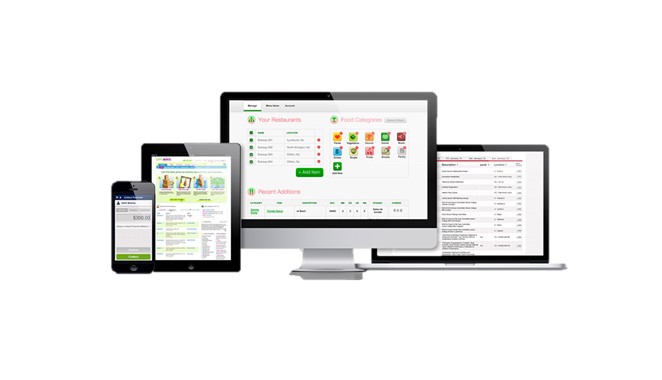
Most popular in Websites Designing (static websites) using CSS, JavaScript, and Bootstrap.
C and C++ both are powerful languages to develop programming concepts for beginners.
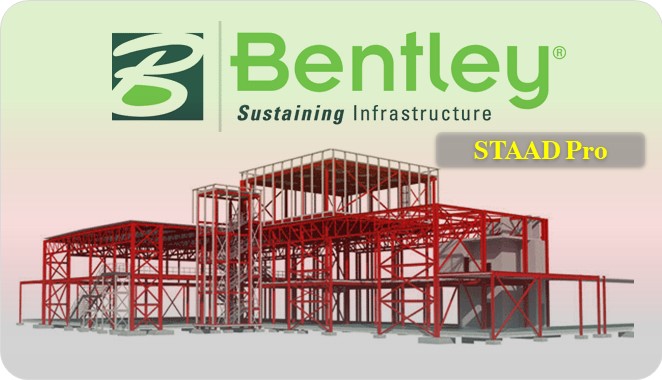
It allows structural engineers to analyze and design virtually any type of structure.

Autodesk 3ds Max is the most powerful software among modeling and rendering tools.
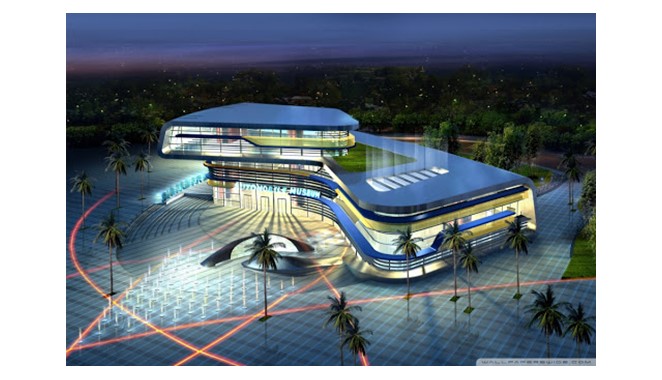
It allows users to design a building, and components in 3D, annotate the model with 2D drafting.
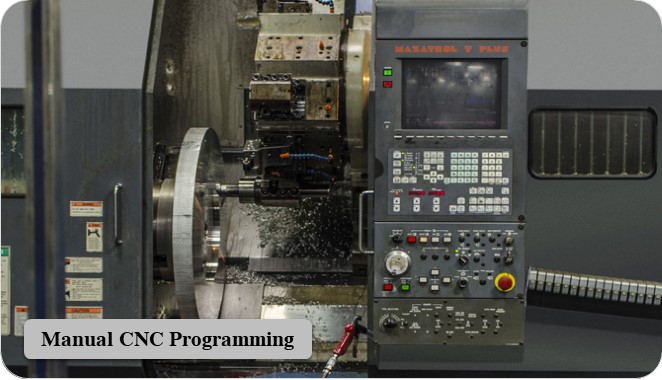
CNC Programming is the manual coding done by G-codes and M-codes for machining.

Most powerful programs have commands like wiring, circuiting, PLC modules, panels, and more.
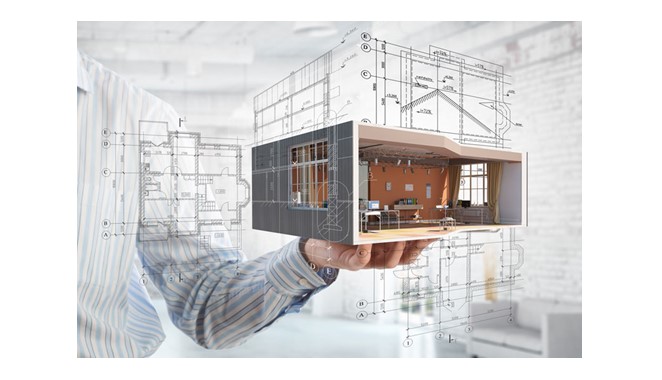
AutoCAD is a powerful drafting software used to create precise 2D Drawings and 3D Models.
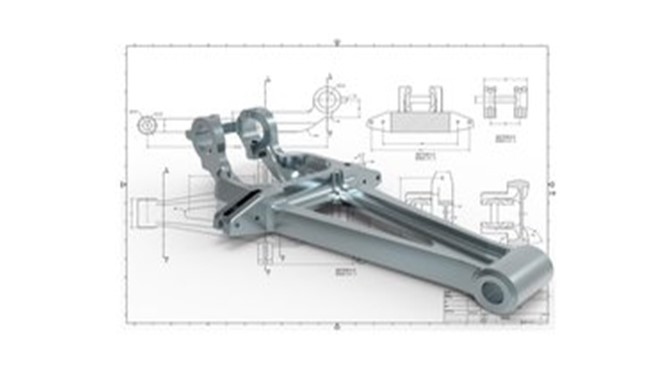
A powerful drafting software used to create precise 2D Drawings and 3D Models.
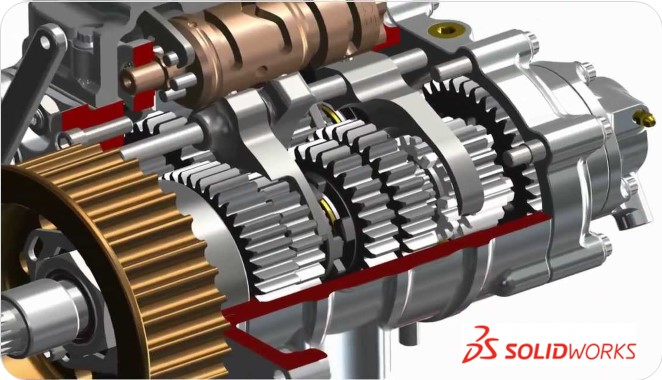
Popular in Product Industries (small and medium scale) due to user-friendly nature and easy working.
Fill out the form below and our team will get back to you shortly.