


Lumion
An incredible real-time 3D architectural visualization tool that’s being used for architects
A bunch of software for ACE professionals.

Revit Architecture - Understanding BIM and The Revit Templates
Using Reference Planes, Parameters, Constraints, Rendering and Plotting Designs
Revit Structure - Linking architecture
Navisworks - Introduction to Navisworks, Consolidate Trade Models
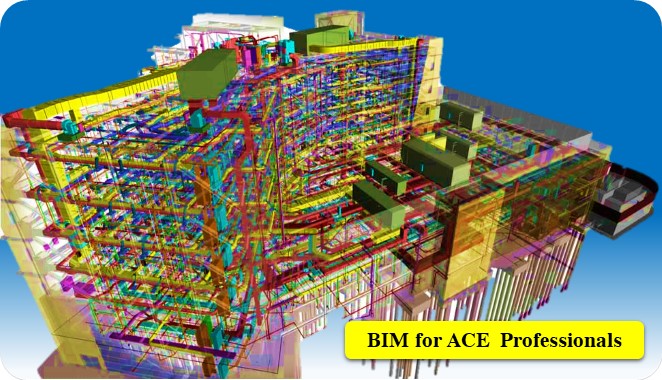
Building information modeling (BIM) is a process supported by various tools and technologies involving the generation and management of digital representations of physical and functional characteristics of a building. BIM is used to plan, design, construct, operate, and maintain buildings. CAD DESK provides BIM Civil Arch Course in Jaipur for BIM Civil Architecture, through which students get an opportunity to learn from our expert trainers; who give a great emphasis on delivering the best quality training to each of its learners.
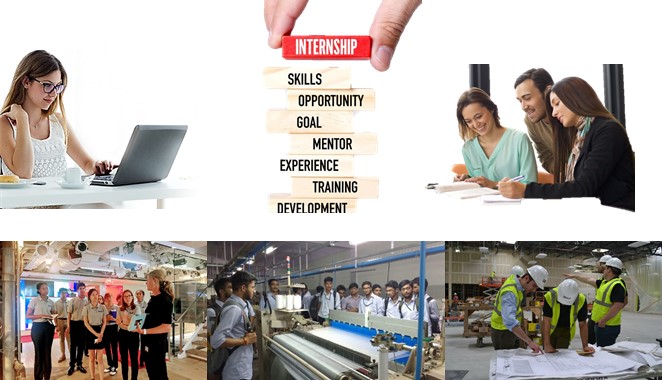
The AEC collection available in BIM software provides architects a powerful set of BIM tools to create optimized and accurate design solutions. It helps in completing the construction process faster and enables architects to create such building designs that will endure great legacies. CAD DESK provides the best coaching classes to its students in the field of CAD, CAM & CAE. And, while taking the software training for BIM Civil Architecture, students get motivated to do an Internship and also get an opportunity to go for industrial visits as well.
During the BIM Civil Arch. training, students get many benefits like student panel, study materials, e-books, tutorials, and projects which give them a better understanding of the concepts of software and also help them to grow in their career. CAD DESK students get an option to transfer themselves to any of our CAD Franchise Centre in India, even if they have been registered at CAD DESK Jaipur or at any other CAD center. After the course completion, student not just only get the BIM Civil Architecture certificate but also gets placement assistance through which they can be placed in any of the companies all over India.
CAD DESK’s BIM Civil Arch Classes in Jaipur is a combined training program covering three powerful tools — Revit Architecture, Revit Structure, and Navisworks — giving students a full picture of building information modeling from design to construction coordination. You’ll learn to create architectural elements, walls, and families in Revit Architecture, move into structural design with columns, foundations, and beam systems in Revit Structure, and finish with model coordination, clash detection, and project scheduling in Navisworks. This AEC software training is ideal for students and professionals aiming for multi-skilled roles in architecture, structural design, or construction management. On completion, you receive an ISO-verified certificate and placement assistance to help launch your career in the AEC industry.
CAD DESK is a pioneer in CAD/CAM/CAE training and most of the industries give great recognition to its certificate throughout India and abroad. BIM Civil Arch Training Certificates are ISO verified which makes it highly reputed comparing to the other local brands and helps the student get prioritize while going for job opportunities in the industry. CAD DESK Software Training is conducted by highly knowledgeable trainers which help students to enhance their skill set by putting great emphasizes on project-based learning.






CAD DESK has a team of highly skilled trainers, who focus on delivering well standard and quality training to each of its learners. BIM Civil Arch Course trainers have professional degrees and have more than 5 years+ of experience in the stream of CAD, CAM, and CAE. Along with that, they are certified from prestigious institutes and have esteem knowledge of their courses which helps the learners to enhance their skills and meet the industry requirements. Our courses are not just based on theoretical concepts; in fact, it puts a great emphasis on industry-driven learning which is being regularly updated
Explore More Apply Now
An incredible real-time 3D architectural visualization tool that’s being used for architects
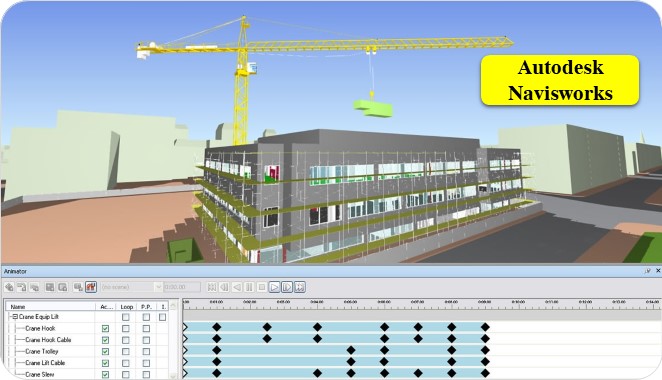
3D Modelling and review software for AEC professionals.
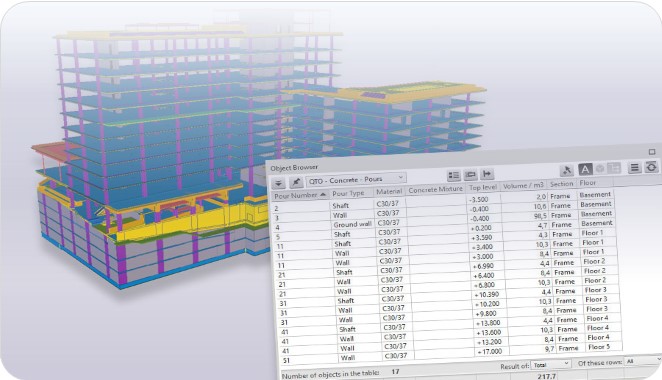
It's cost estimating software that makes the process of material costing faster and accurate.
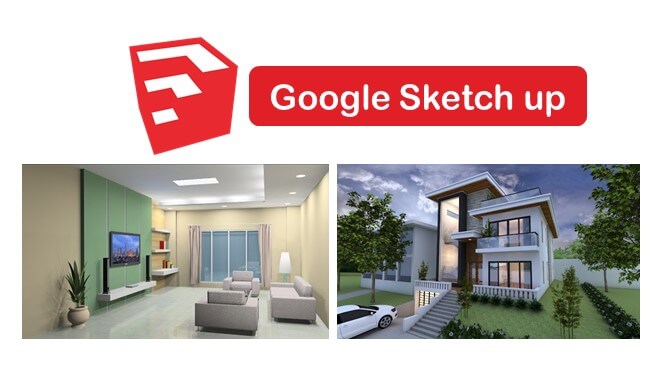
A great tool to create 3D models in architecture, interior, and etc. with user-friendly interface.
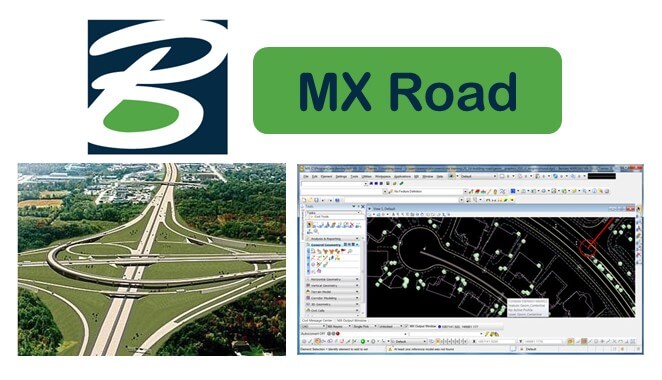
It's a string-based modeling tool that enables rapid and accurate design for all types of roads.
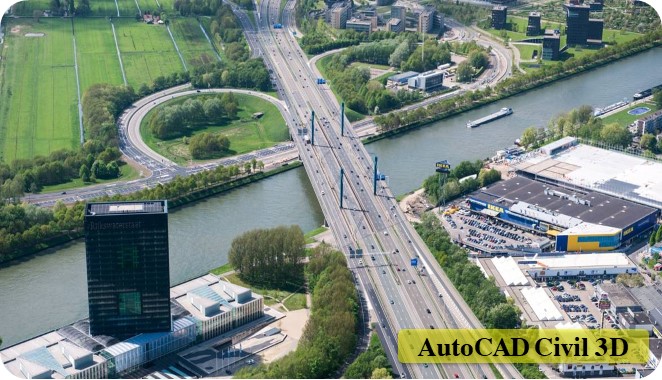
Civil 3D is used to create three-dimensional (3D) models of land, water, or transportation features
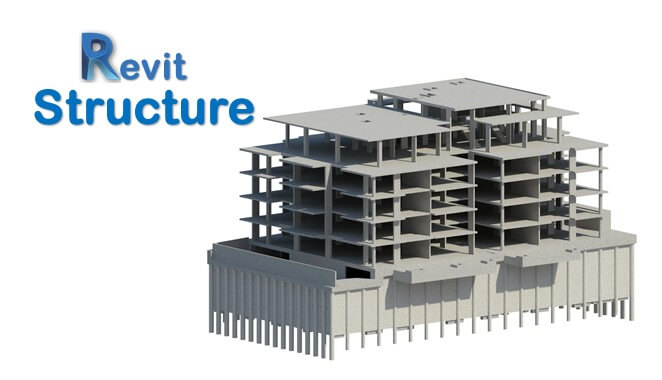
Revit Structure is a powerful software in structural engineering to design structure
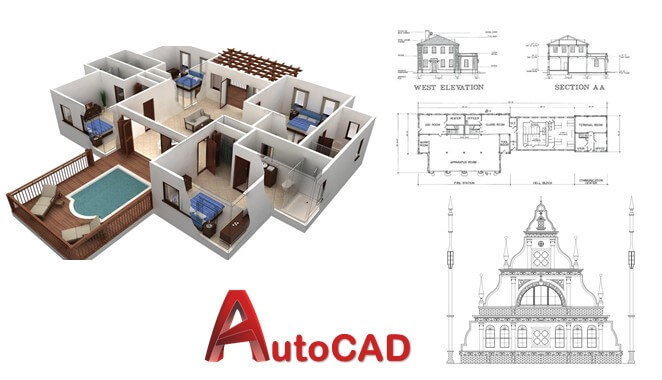
AutoCAD is a powerful drafting software used to create precise 2D Drawings and 3D Models.
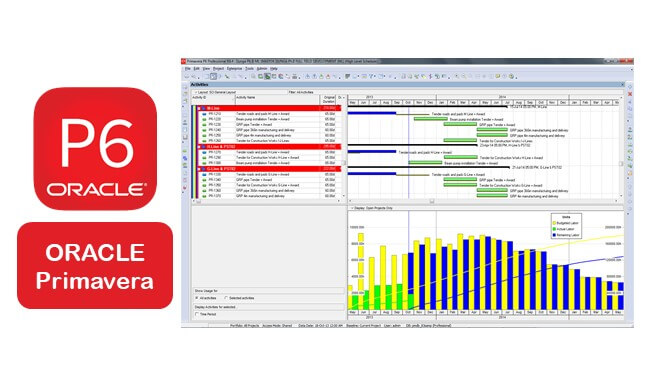
Powerful planning tool use all over the world to plan projects mainly in terms o time, resources,
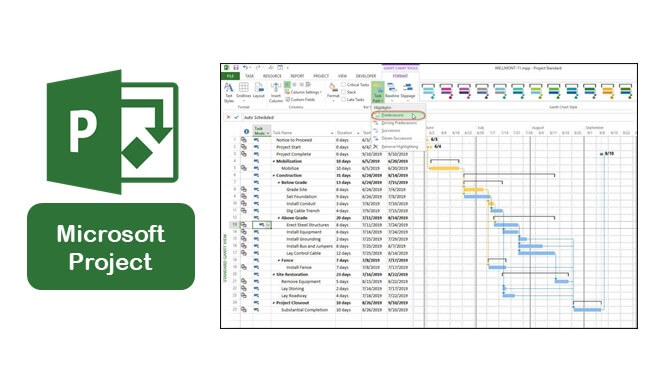
It manages project portfolio investments and delivers success with the intended business value.
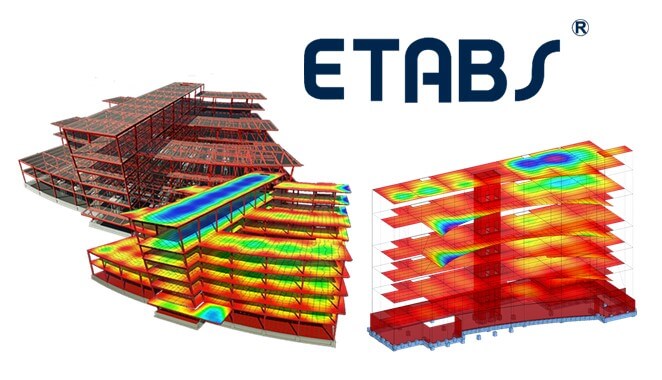
Application for multi-storied building structural analysis as well as structural design
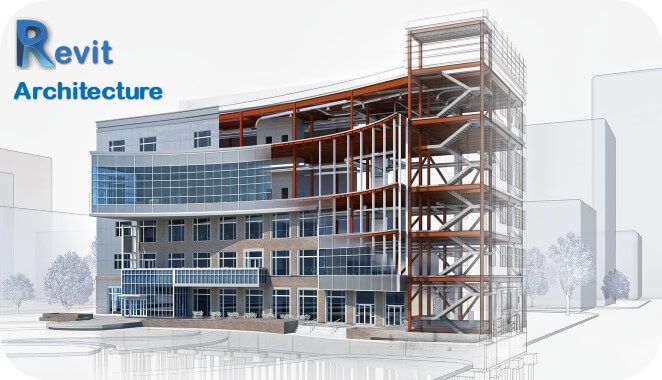
It allows users to design a building, and components in 3D, annotate the model with 2D drafting.
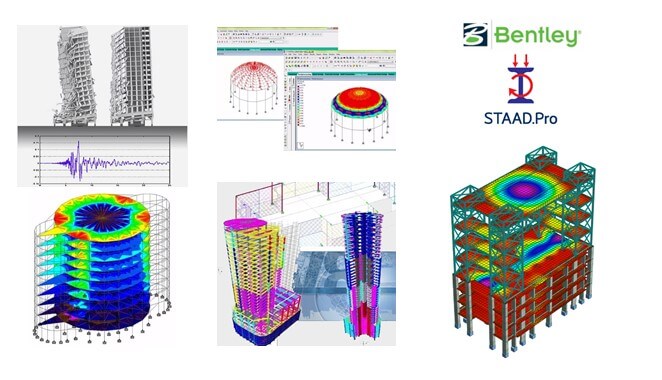
It allows structural engineers to analyze and design virtually any type of structure.
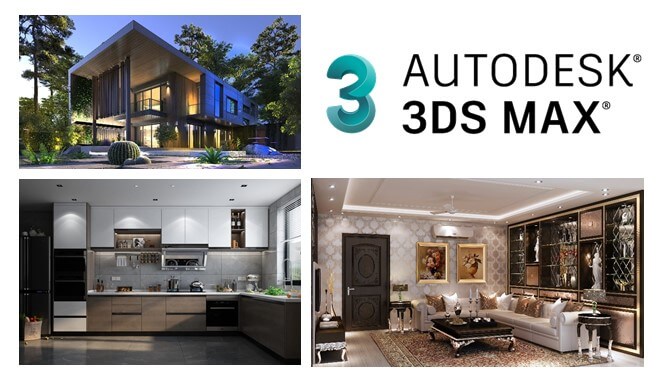
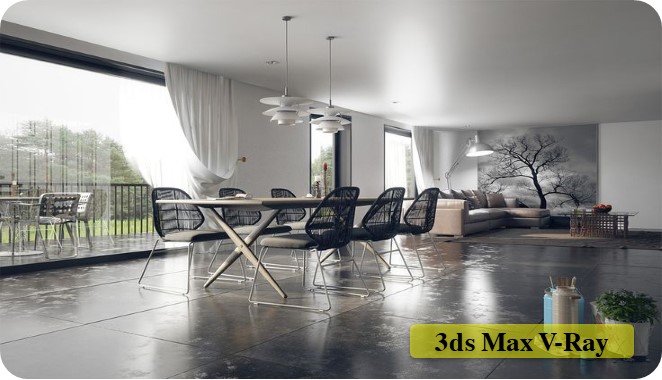
Autodesk 3ds Max is the most powerful software among modeling and rendering tools.
Fill out the form below and our team will get back to you shortly.