



• +91 7378123128, 7073555929
  • Info@caddeskindia.com

Autodesk Civil 3D

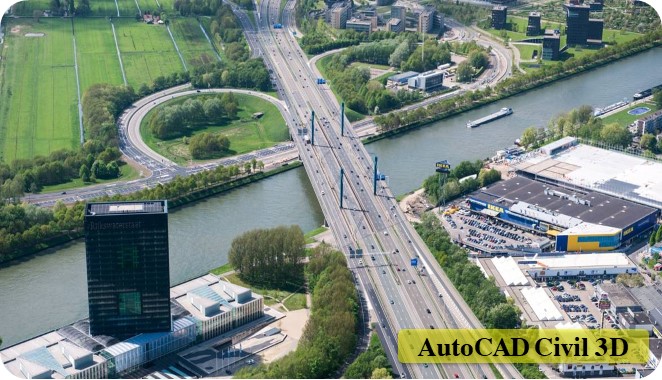
Civil 3D is used to create three-dimensional (3D) models of land, water, or transportation features

Author
CAD DESK INDIA
(4.9)

Last Updated : April 13, 2026

Course Highlights

  • icon

    Points, Parcels, Surfaces, and Grading

  • icon

    Alignments, Profiles, Corridors, Pipe Networks, and Plan Production

  • icon

    Sample Lines, Cross-Sections, And Section Views

  • icon

    Grading Objects, Sharing and Referencing Data

Course Overview

AutoCAD Civil 3D software is used in civil engineering that enables building information modeling (BIM) workflows. Civil 3D is a great software that boosts up project performance, maintains consistent data, and follows standard processes. CAD DESK offers the best classroom training for Civil 3D through which students understand the surfaces, lay out parcels, and design geometry by including the making of horizontal alignments and vertical profile, and many more.

AutoCAD & Civil 3D both have similar interfaces and Civil 3D also has many AutoCAD compatible shortcuts available. CAD DESK provides the best coaching classes to its students in the field of CAD, CAM & CAE. And, while taking the software training, students are encouraged to do an Internship and also get an opportunity to go for industrial visits as well.

Moreover, with CAD DESK, students get many benefits like student panel, study materials, e-books, tutorials and numerous projects which help them to grow in their career. CAD DESK students also get an option to transfer themselves to any of our CAD Franchise Centre in India, even if they have been registered at CAD DESK Jaipur or at any other CAD center. After the course completion, student not just only get the AutoCAD Civil 3D certificate but also gets placement assistance through which they can be placed in any of the companies all over India.

Course Contents

  • Introduction to Civil 3D
  • Civil 3D User Interface
  • Civil 3D Objects
  • Civil 3D Styles
  • Civil 3D Settings
  • Setting up a New Project
  • Setting up a working folder
  • Creating a new data shortcut project folder
  • Working with template to set up data shortcut folder
  • Setting new data shortcut project folder
  • Associating project to the current drawing
  • Associating project to multiple drawing
  • Validating data shortcut
  • Introduction to Civil 3D points
  • Manual Point creation
  • Importing points from a file
  • Editing and modifying points
  • Understanding Point groups
  • Understanding Point style
  • Creating custom point styles
  • Understanding description keys
  • Exporting Points to file
  • Introduction to Civil 3D surface
  • Creating surface
  • Editing surface
  • Surface styles
  • Surface boundaries
  • Surface mask
  • Surface analysis
  • Surface labeling
  • Introduction to alignments
  • Creating alignments by the layout
  • Creating alignments from polylines and other entities
  • Creating offset alignment
  • Creating widening to an alignment
  • Creating best fit alignment
  • Creating alignment from the existing alignment
  • Creating alignment from the corridor
  • Editing alignments
  • Creating points along an alignment
  • Labeling an alignment
  • Creating an alignment data table
  • Generating alignment reports
  • Introduction to profiles/long section
  • Creating surface/ground profile
  • Understanding profile styles and profile views
  • Creating proposed roadway profiles
  • Editing proposed roadway profiles
  • Creating a profile from file
  • Creating the best fit profile
  • Creating superimposed profile
  • Creating a profile from the corridor
  • The understanding data band set
  • Creating custom Data Band Set
  • Introduction to Civil 3D assembly
  • Understanding subassemblies
  • Creating Assemblies
  • Editing Assemblies
  • Creating Subassemblies
  • Managing Assemblies
  • Introduction to Civil 3D Corridors
  • Working with corridor parameters
  • Working with corridor targets
  • Working with corridor regions
  • Working with corridor styles
  • Working with corridor code set styles
  • Creating corridor surface
  • Working with Corridor labels
  • Creating cross-section
  • Working with Cross-section styles
  • Working with cross-section data band
  • Projecting object to the cross-section view
  • Modifying individual section
  • Modifying cross-section as a group
  • Working with cross-section labels and annotation
  • Attaching volume table to cross-section views
  • Creating quantity take-off criteria
  • Computing pavement materials
  • Computing earthwork
  • Computing cut/fill volume
  • Generating volume reports
  • Adding a material table to the drawing
  • About the Reports Manager
  • To Specify Report Settings
  • To Generate a Report
  • To Generate Rehab Corridor Reports
  • To Save LandXML Report Files
  • To Edit Toolbox Content
  • Reports Command Reference
  • Junction design using the junction design tool
  • Junction design using the connected alignment

Certificate

How will you get your certificate?

CAD DESK is a pioneer in CAD/CAM/CAE training and most of the industries give great recognition to its certificate throughout India and abroad. CAD DESK Certificates are ISO verified which makes it highly reputed comparing to the other local brands and helps the student get prioritize while going for job opportunities in the industry. CAD DESK Software Training is conducted by highly knowledgeable trainers which help students to enhance their skill set by putting great emphasizes on project-based learning.

about

Student Testimonial

Cad Desk has been a game-changer for me in my pursuit of becoming a skilled CAD professional. The trainers are highly knowledgeable and passionate about what they teach, making the learning experience both engaging and enjoyable...

Gulshan Sharma

I enrolled in Cad Desk's CAD program, and I was impressed by the comprehensive curriculum they offered. The course material was well-structured, and the practical assignments helped me apply what I learned in real-world scenarios...

Khatri A R

What sets Cad Desk apart is their personalized approach to learning. The instructors took the time to understand my strengths and weaknesses and provided individualized guidance to help me overcome challenges. They genuinely cared about my progress and success...

Govind Sundesha

The facilities at Cad Desk are top-notch. The computer labs are equipped with the latest software and hardware, creating an ideal learning environment. Additionally, the staff members are friendly and always ready to assist students with any technical issues...

M S Narendran

I can confidently say that Cad Desk's CAD program prepared me well for the industry. The curriculum covers a wide range of topics, and the practical projects allowed me to build a strong portfolio that impressed potential employers during job interviews..

Sai Varishtha Reddy

Cad Desk provides excellent career support and guidance. They offer resume building workshops, mock interviews, and job placement assistance, which helped me secure a job in my desired field soon after completing the program...

Disha Mathur

How Our instructors are certified

CAD DESK has a team of highly skilled trainers, who focus on delivering well standard and quality training to each of its learners. Each CAD DESK trainer has professional degrees and has more than 5 years+ of experience in the stream of CAD, CAM, and CAE. Along with that, they are certified from prestigious institutes and have esteem knowledge of their courses which helps the learners to enhance their skills and meet the industry requirements. Our courses are not just based on theoretical concepts; in fact, it puts a great emphasis on industry-driven learning which is being regularly updated

Explore More Apply Now

Frequently Asked Questions(FAQ)

No such prerequisite, however a basic knowledge of the subject is preferable.
Generally, the average training duration is 2 hours daily. Although if someone wants a half-day or full-day fast track course these are also available.
Yes, the study material is included in the course. Cad desk provides you the exercise books and a multicolor reference guide which helps to revise the whole software anytime.
The certificate shall be provided in both digital and physical form once you complete the training. The certificate shall be displayed in your login after you complete the training. You can collect the physical certificate from the center.
Cad desk is a pioneer in CAD/CAM training and most industries and Universities/colleges recognize its certificate by reputation.
This is lifetime access to your login and all its benefits.
Definitely, CAD DESK being the leader in CAD, receives many openings on day to day basis, and registered students shall be able to access that information.

Related Courses

AutoCAD Civil/Arch.

AutoCAD Civil/Arch.

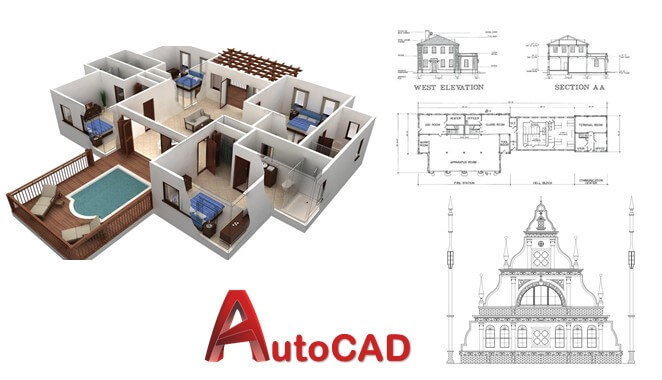
AutoCAD is a powerful drafting software used to create precise 2D Drawings and 3D Models.

  • Civil/Architecture
STAAD Pro

STAAD Pro

It allows structural engineers to analyze and design virtually any type of structure.

  • Civil/Architecture
3DS Max

3DS Max

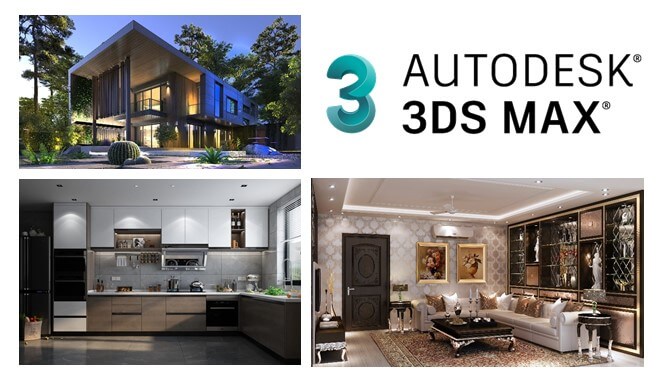
Autodesk 3ds Max is the most powerful software among modeling and rendering tools.

  • Civil/Architecture
Revit Architecture

Revit Architecture

It allows users to design a building, and components in 3D, annotate the model with 2D drafting.

  • Civil/Architecture
V-Ray

V-Ray

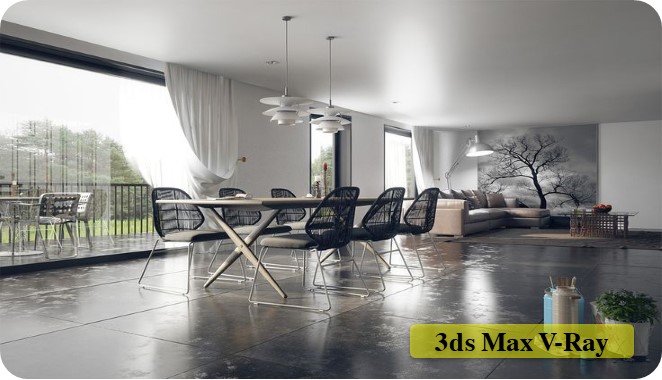
Let's you render anything & everything.

  • Civil/Architecture
Google Sketch Up

Google Sketch Up

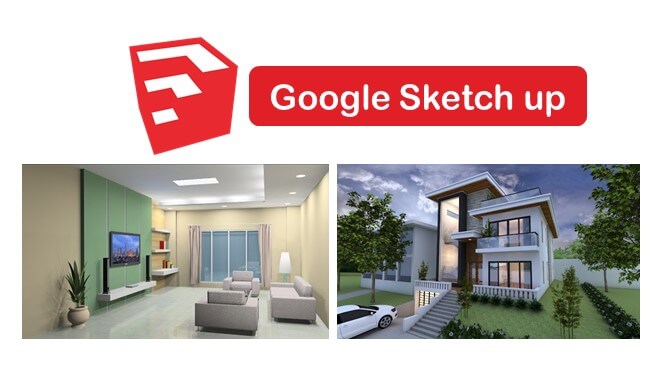
A great tool to create 3D models in architecture, interior, and etc. with user-friendly interface.

  • Civil/Architecture
Primavera

Primavera

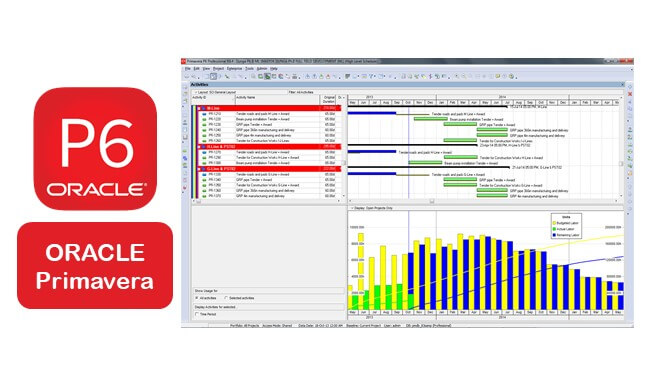
Powerful planning tool use all over the world to plan projects mainly in terms o time, resources,

  • Civil/Architecture
MS Project

MS Project

It manages project portfolio investments and delivers success with the intended business value.

  • Civil/Architecture
ETABS

ETABS

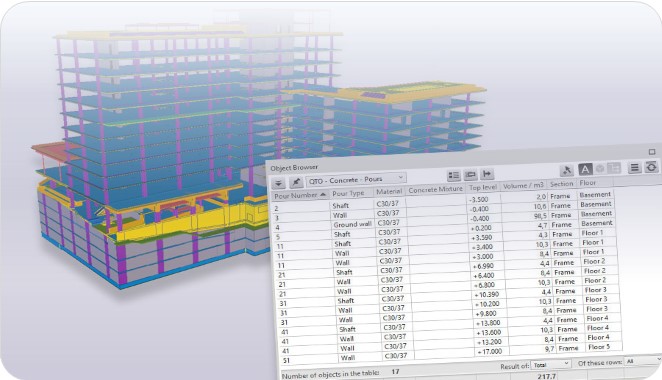
Application for multi-storied building structural analysis as well as structural design

  • Civil/Architecture
Revit Structure

Revit Structure

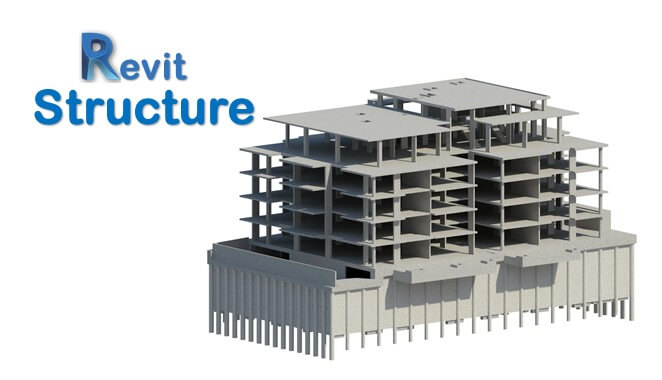
Revit Structure is a powerful software in structural engineering to design structure

  • Civil/Architecture
Autodesk Civil 3D

Autodesk Civil 3D

Civil 3D is used to create three-dimensional (3D) models of land, water, or transportation features

  • Civil/Architecture
BIM Civil Arch.

BIM Civil Arch.

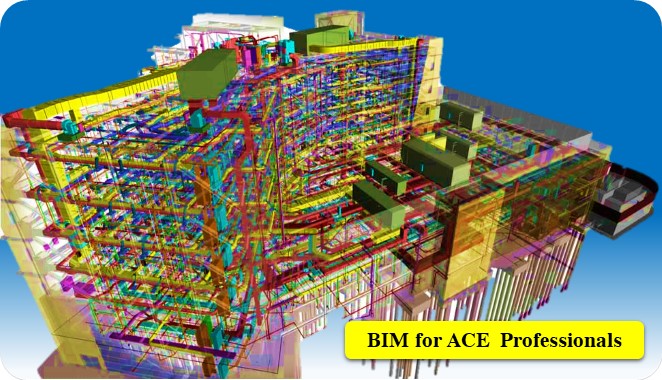
A bunch of software for ACE professionals.

  • Civil/Architecture
MX Road

MX Road

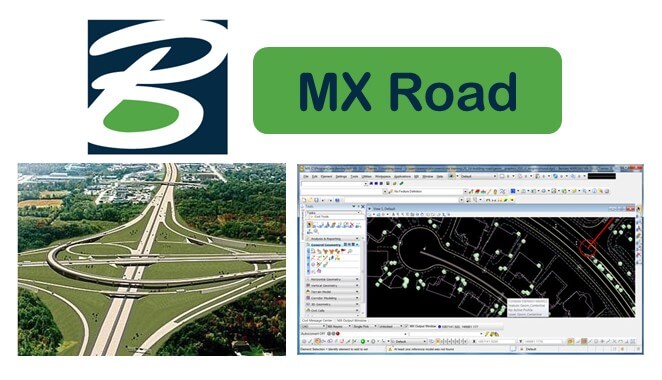
It's a string-based modeling tool that enables rapid and accurate design for all types of roads.

  • Civil/Architecture
Quantity Takeoff

Quantity Takeoff

It's cost estimating software that makes the process of material costing faster and accurate.

  • Civil/Architecture
Navisworks

Navisworks

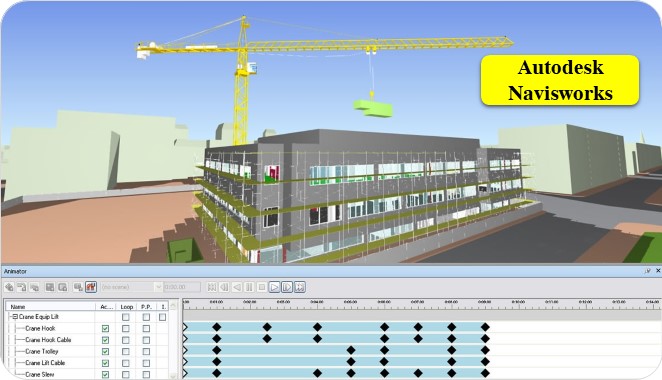
3D Modelling and review software for AEC professionals.

  • Civil/Architecture, Mechanical/Automobile
Lumion

Lumion

An incredible real-time 3D architectural visualization tool that’s being used for architects

  • Civil/Architecture