



ArtCAM

CAD-CAM application for Artistic work with an easy interface

Author
CAD DESK INDIA
(4.9)

Last Updated : September 21, 2026

Course Highlights

  • icon

    Introduction to User Interface ArtCAM

  • icon

    Vector Creation and Editing

  • icon

    Relief Creation and Editing

  • icon

    Creating reliefs with latent images

Course Overview

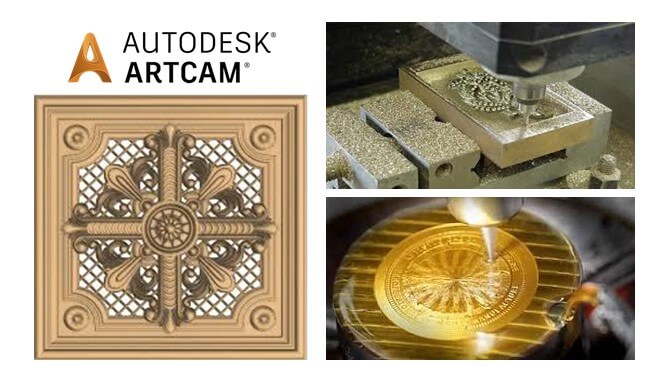
ArtCAM is a collection of CAD/CAM software package which is used for designing creative and artistic products and manufacturing. It is a CAM computer application especially used for wood engraving machines or similar machines. CAD DESK’s Artcam Course in Jaipur helps the students to get the best ArtCAM training and let them understand 2D and 3D inbuilt design features such as reliefs, engraving, sign making, etc.

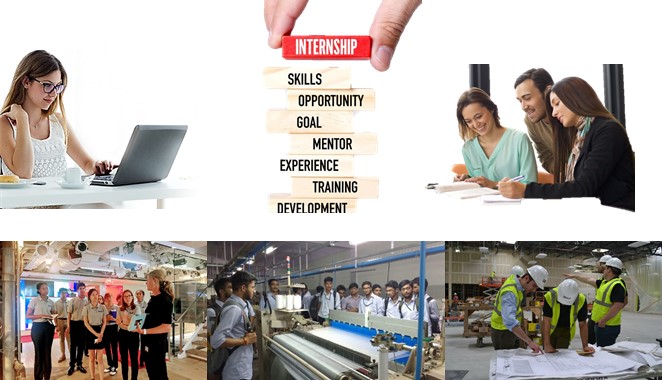
ArtCAM is highly accepted and used in various fields from jewellery and coin minting and to the design and manufacture of multiple architectural cornicing and facades. CAD DESK provides software training on a wide range of software in the field of CAD, CAM & CAE and also they put great emphasis on prioritizing in giving the best quality training to students. Further, while taking the coaching classes for ArtCAM, students are encouraged to do an Internship and also gets an option to go for industrial visits as well in the assistance of their trainers.

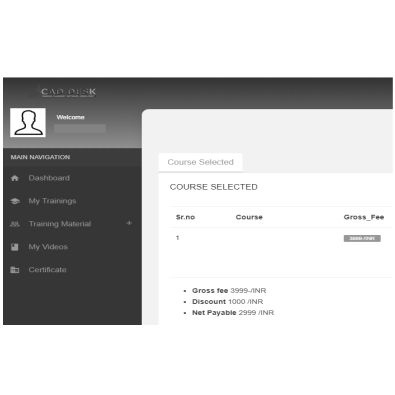
While doing the CAM training, students get many additional benefits like student panel, study materials, e-books, tutorials and numerous projects which gives them a better understanding of the concepts of ArtCAM and also help them to grow in their career. CAD DESK students can also transfer themselves to any of our CAD Franchise Centre in India, even if they have been registered at CAD DESK Jaipur or at any other CAD centre. After the course completion, student not just only get the ArtCAM certificate but also gets placement assistance through which they can be placed in any of the companies all over India.


ArtCAM Course in Jaipur — Course Highlights


Designers working on jewelry, coin minting, or architectural cornicing need precision tools built for creative fabrication, and CAD DESK’s ArtCAM Classes in Jaipur cover exactly that using this specialized CAD-CAM software. The training includes vector creation and editing, relief design, bitmap-to-vector conversion, and 3D modeling, along with 2D and 3D machining toolpaths for engraving, carving, and sign making. This CAD-CAM design training is especially valuable for wood engraving, jewelry design, and artistic manufacturing industries where fine detailing matters. On completion, you receive an ISO-verified certificate along with placement assistance to build your career in artistic and creative product design.

Course Contents

  • Introduction About ARTCAM
  • Starting ArtCAM
  • Opening Existing ArtCAM File
  • Understanding the Interface of ArtCAM
  • Knowing ArtCAM Terminology
  • Customizing the Interface
  • Using ArtCAM Workspaces
  • Resetting the Workspace
  • Creating a New Model
  • Understanding the ArtCAM Workflow
  • Using Mouse Controls
  • Using Zoom Commands in 2D & 3D
  • Understanding the Concept Behind the Zoom
  • Using Viewing Tools
  • Secure your data with Save, SaveAS & Auto-Recover
  • Using Close & Exit
  • Understanding About Vectors
  • Creating Free-Form Shapes
  • Creating Rectangular Shape
  • Creating Circular Shape
  • Creating Elliptical Shape
  • Creating Polygonal Shape
  • Creating Star Shape
  • Creating Arc Shape
  • Creating Text Shape in Depth
  • Creating, Editing, and Deleting the Current/New 2D View
  • Setting & Displaying the Co-ordinate Value
  • Setting & Displaying the Grid
  • Setting & Displaying the Ruler
  • Creating, Displaying and Deleting the Guidelines
  • Understanding the UNDO and REDO Operation
  • Understanding and Controlling the Object SNAPs
  • Working with Snaps
  • Using other Basic Operations Tools
  • Using TRIM Tool and Technics
  • Understanding and Using OFFSET Tool
  • Using Transform Tool
  • Using Advanced Technics to Copy, Rotate and Move
  • Working with Node Editing
  • Editing Vector Spans in ArtCAM
  • Mirroring Object
  • Using Boolean Operations
  • Joining Vectors and Vector Nodes
  • Closing and Aligning Vector Nodes
  • Using Rectangular and Polar Array
  • Copying object Along the Path
  • Aligning Vectors
  • Creating and Editing Vector Fillets
  • Understanding and Creating a Vector Layer
  • Assigning Layer into Existing Object
  • Moving, Deleting, Duplicating, Renaming, and Merging Vector Layers
  • Controlling the Layer Visibility, Locking/Unlocking, and Snapping
  • Exporting and Importing Vector Layer and Objects
  • Selecting Vectors and Understanding the colour-coding of vectors
  • Importing the Vectors
  • Clean-up the Vector Intersection
  • clean-up the Vector Nodes/Convert Vector into Spline
  • Convert Spline Vector into fit Arc
  • Using Selection Technics
  • Understanding the Grouping Concept
  • Creating Vectors from Intersecting Boundaries
  • Separating Vector with Specific Intersecting Boundary
  • Converting Vectors into Regular Shapes
  • Nesting vectors
  • Understanding About the Bitmaps
  • Importing an Images and Understanding the Technical Terms
  • Understanding and Selecting the primary and secondary colors
  • Reducing the Number of Colours from Artwork
  • Creating Vectors from Bitmap
  • Understanding and Creating a bitmap layer
  • Importing and Exporting Bitmap Artwork
  • Duplicating, Deleting and Renaming Bitmaps Layers
  • Viewing and Clearing a Bitmap Layer
  • Understanding, Creating and Selecting a Relief Layer/Layer Group
  • Importing and Exporting a Relief Layer
  • Moving, Deleting, Duplicating, and Renaming a Relief Layer
  • Merging and Controlling the Visibility of Relief Layers
  • Understanding the Shape Editor Tool
  • Creating Basic Shapes Using Closed Vectors
  • Creating Constant-Height Lettering
  • Creating a Male/Concave or Female/Convex Dome Shape
  • Understanding and Create Weave Reliefs
  • Creating an Angled Plane on a Relief Layer
  • Creating an Extruded Shapes
  • Creating a Spun Shape
  • Creating a Turned Shape
  • Pasting Relief Along a Curve
  • Understanding the 2D Machining and 2D Toolpath Tools
  • Understanding the 3D Machining and 3D Toolpath Tools
  • Specifying the Material Setup
  • Deleting Material
  • Understanding and Using Profile Toolpath
  • Understanding and Using Fluting Toolpath
  • Using 2D Area-Clearance Toolpath
  • Using V-Bit Carving Toolpath
  • Using Bevel-Carving Toolpath
  • Using Smart Engraving Toolpath
  • Using Drill-Holes Toolpath
  • Using Inlay wizard
  • Using Raised-Round Toolpath
  • Using Texture Toolpath
  • Using Drill-Bank Toolpath
  • Using 2D Machining Wizard
  • Using Grid-Creator Toolpath
  • Understanding the Machining and 3D Toolpath Tools
  • Using Machine-Relief Toolpath
  • Using Feature-Machining Toolpath
  • Using Z-Level Roughing Toolpath
  • Using Laser-Machining Toolpath
  • Using 3D Cut-Out Toolpath

Certificate

How will you get your certificate?

CAD DESK is a pioneer in CAD/CAM/CAE training and most of the industries give great recognition to its certificate throughout India and abroad. Artcam Training Certificates are ISO verified which makes it highly reputed comparing to the other local brands and helps the student get prioritize while going for job opportunities in the industry. CAD DESK Software Training is conducted by highly knowledgeable trainers which help students to enhance their skill set by putting great emphasizes on project-based learning.

Mechanical/Automobile
ArtCAM
CAD DESK JAIPUR LALKOTHI

Student Testimonial

Cad Desk has been a game-changer for me in my pursuit of becoming a skilled CAD professional. The trainers are highly knowledgeable and passionate about what they teach, making the learning experience both engaging and enjoyable...

Gulshan Sharma

I enrolled in Cad Desk's CAD program, and I was impressed by the comprehensive curriculum they offered. The course material was well-structured, and the practical assignments helped me apply what I learned in real-world scenarios...

Khatri A R

What sets Cad Desk apart is their personalized approach to learning. The instructors took the time to understand my strengths and weaknesses and provided individualized guidance to help me overcome challenges. They genuinely cared about my progress and success...

Govind Sundesha

The facilities at Cad Desk are top-notch. The computer labs are equipped with the latest software and hardware, creating an ideal learning environment. Additionally, the staff members are friendly and always ready to assist students with any technical issues...

M S Narendran

I can confidently say that Cad Desk's CAD program prepared me well for the industry. The curriculum covers a wide range of topics, and the practical projects allowed me to build a strong portfolio that impressed potential employers during job interviews..

Sai Varishtha Reddy

Cad Desk provides excellent career support and guidance. They offer resume building workshops, mock interviews, and job placement assistance, which helped me secure a job in my desired field soon after completing the program...

Disha Mathur

How Our instructors are certified

CAD DESK has a team of highly skilled trainers, who focus on delivering well standard and quality training to each of its learners. Artcam Course trainers have professional degrees and have more than 5 years+ of experience in the stream of CAD, CAM, and CAE. Along with that, they are certified from prestigious institutes and have esteem knowledge of their courses which helps the learners to enhance their skills and meet the industry requirements. Our courses are not just based on theoretical concepts; in fact, it puts a great emphasis on industry-driven learning which is being regularly updated

Explore More Apply Now

Frequently Asked Questions(FAQ)

No such prerequisite, however a basic knowledge of the subject is preferable.
Generally, the average training duration is 2 hours daily. Although if someone wants a half-day or full-day fast track course these are also available.
Yes, the study material is included in the course. Cad desk provides you the exercise books and a multicolor reference guide which helps to revise the whole software anytime.
The certificate shall be provided in both digital and physical form once you complete the training. The certificate shall be displayed in your login after you complete the training. You can collect the physical certificate from the center.
Cad desk is a pioneer in CAD/CAM training and most industries and Universities/colleges recognize its certificate by reputation.
This is lifetime access to your login and all its benefits.
Definitely, CAD DESK being the leader in CAD, receives many openings on day to day basis, and registered students shall be able to access that information.

Related Courses

AutoCAD Mechanical

AutoCAD Mechanical

A powerful drafting software used to create precise 2D Drawings and 3D Models.
  • Mechanical/Automobile
Solidworks

Solidworks

Popular in Product Industries (small and medium scale) due to user-friendly nature and easy working.

  • Mechanical/Automobile
CNC Programming

CNC Programming

CNC Programming is the manual coding done by G-codes and M-codes for machining.

  • Mechanical/Automobile
CATIA

CATIA

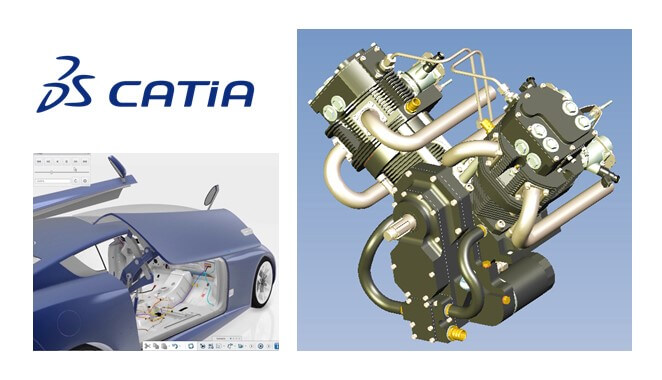
Used by most of the Automobile and aerospace companies for body design.

  • Mechanical/Automobile
ANSYS WB

ANSYS WB

One of the most popular FEA tool which simulates the product under the product’s operating condition

  • Mechanical/Automobile
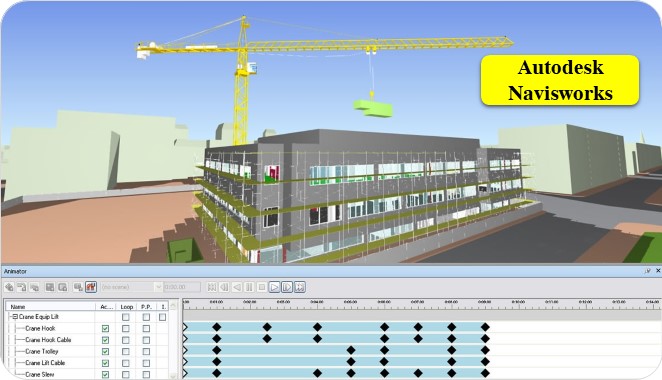
Navisworks

Navisworks

3D Modelling and review software for AEC professionals.

  • Civil/Architecture, Mechanical/Automobile
Fusion 360

Fusion 360

Modeling, manufacturing & analysis in a single software.

  • Mechanical/Automobile
Creo

Creo

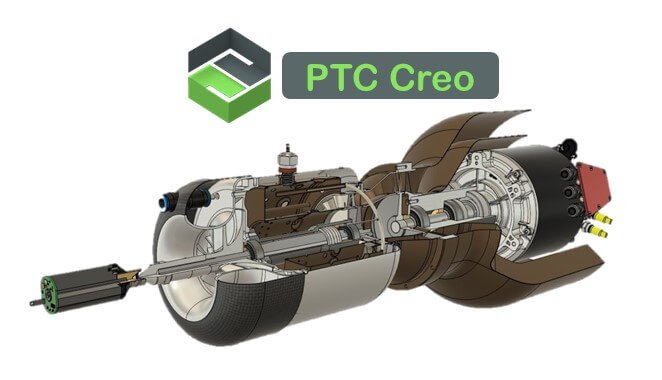
Strong worldwide in component designs. Good features of large Assembly, piping & sheet metal design.

  • Mechanical/Automobile
ArtCAM

ArtCAM

CAD-CAM application for Artistic work with an easy interface

  • Mechanical/Automobile
SolidCAM

SolidCAM

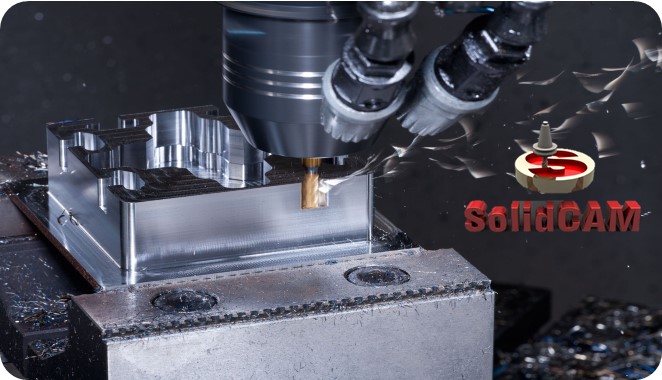
SolidCAM is used in many of small and medium scale manufacturing organizations.
  • Mechanical/Automobile
BIM-Mechanical

BIM-Mechanical

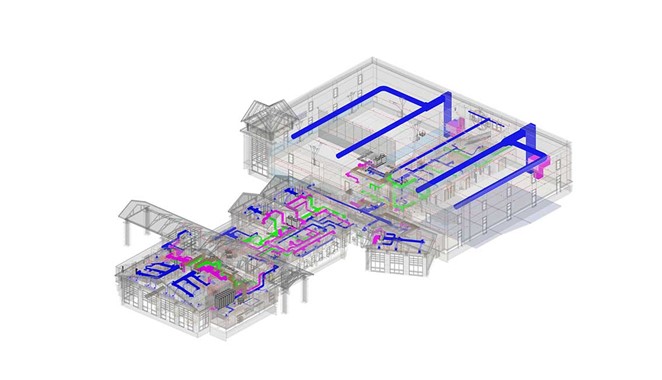
A bunch of software for Mechanical, Electrical, and Plumbing professionals.
  • Mechanical/Automobile
Revit MEP

Revit MEP

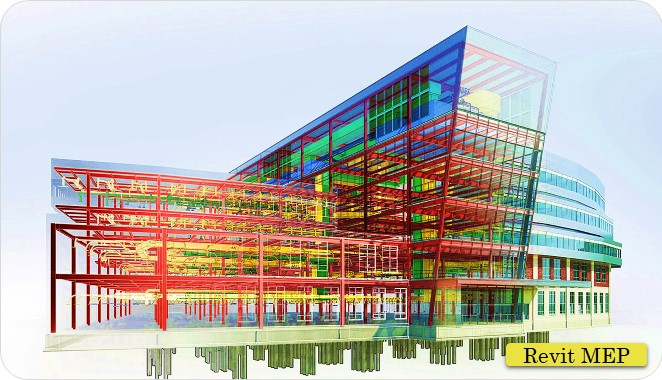
Works on BIM and used for planning & installing HVAC, electrical & Plumbing in buildings.
  • Mechanical/Automobile
ANSYS CFD

ANSYS CFD

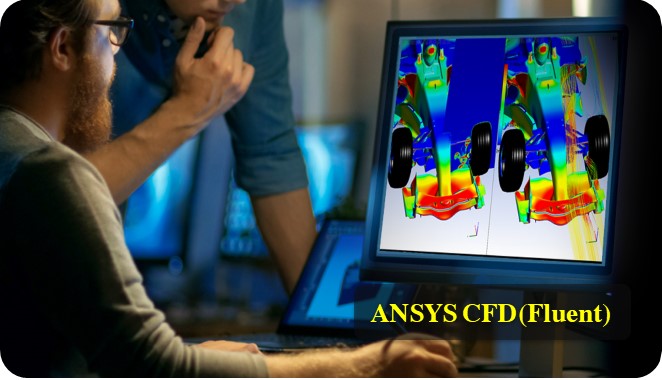
Used to simulate conditions like fluid flow, turbulence, heat transfer, and for the industrial app.

  • Mechanical/Automobile
Enquiry Now
×

Enquiry Now

Fill out the form below and our team will get back to you shortly.