



SolidCAM

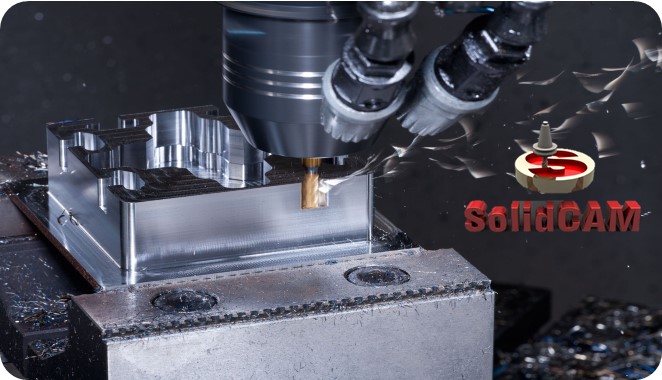
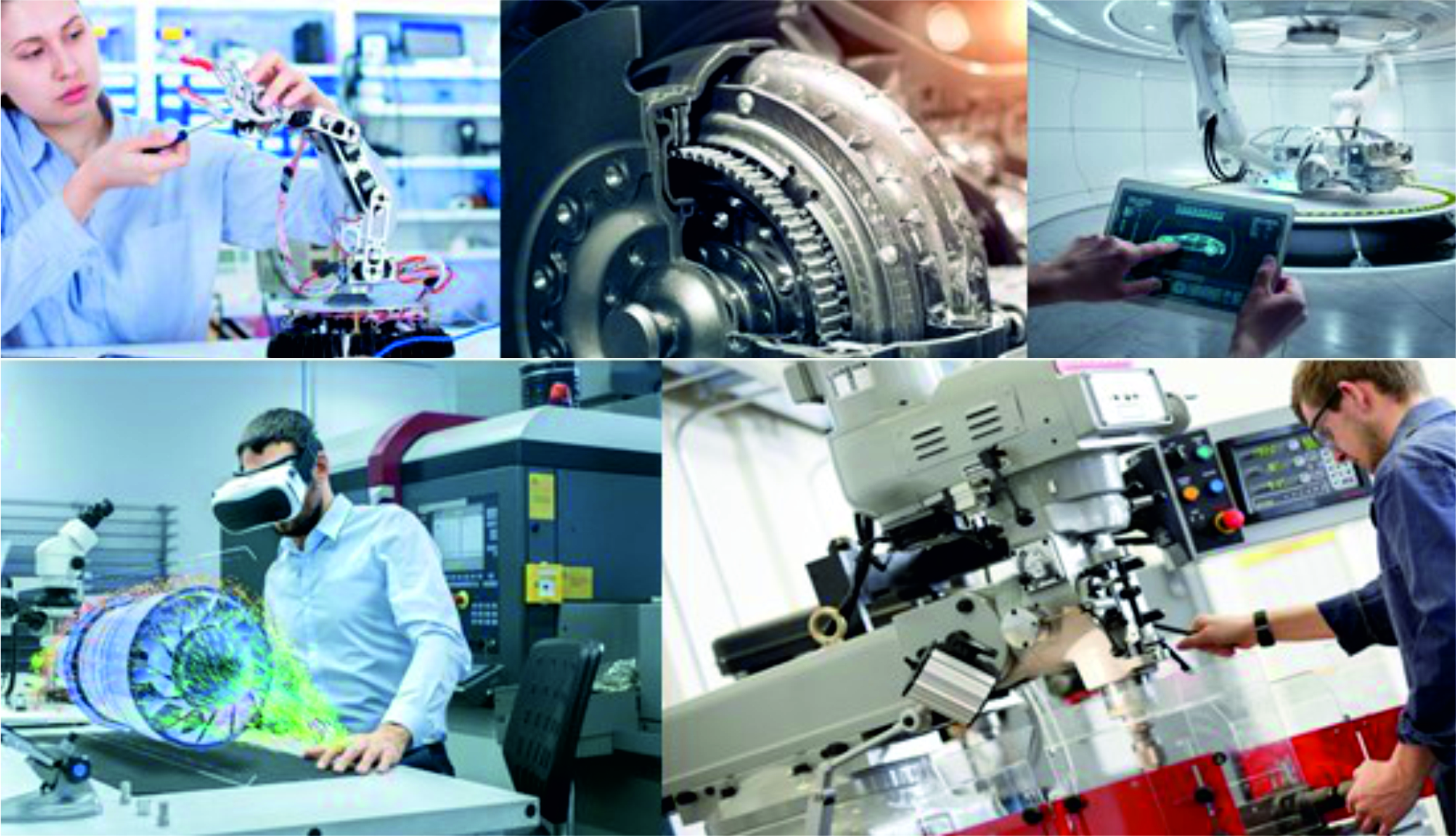
SolidCAM is used in many of small and medium scale manufacturing organizations.

Author
CAD DESK INDIA
(4.9)

Last Updated : September 21, 2026

Course Highlights

  • icon

    Intelligence machining using AI

  • icon

    Turning

  • icon

    Tangential tool path design

  • icon

    NC program

Course Overview

SolidCAM is a CAM software that exists inside SolidWorks and Inventor. All tool paths are associated with the original CAD design, which means if any changes are made to the CAD file, then it will be automatically reflected in the updated tool paths. CAD DESK offers the best SolidCAM Course in Jaipur through which students get an opportunity to learn from our well experienced trainers; who give a great emphasis on delivering the best quality training to each of its learners.

SolidCAM’s comes up with iMachining technology that helps in saving 70% and more of the cycle time and increases the productivity of machines. SolidCAM software has the easiest interface that makes it even easier to learn. CAD DESK provides the best coaching classes to its students in the field of CAD, CAM & CAE. And, while taking the CAM training, students are encouraged to do an Internship and also get an opportunity to go for industrial visits as well.

During the CAD & CAM training with CAD DESK, students get many benefits like student panel, study materials, e-books, tutorials, and numerous projects which help them to grow in their career. CAD DESK students also get an option to transfer themselves to any of our CAD Franchise Centre in India, even if they have been registered at CAD DESK Jaipur or at any other CAD center. After the course completion, student not just only get the SolidCAM certificate but also gets placement assistance through which they can get placed in any of the companies all over India.


SolidCAM Course in Jaipur — Curriculum at a Glance


Manufacturers using SolidWorks or Inventor rely on SolidCAM for tool paths that automatically update with CAD design changes, and CAD DESK’s SolidCAM Classes in Jaipur give you full command over this integrated CAM software. The training covers 2.5D and 3D machining, automatic feature recognition, iMachining for faster cycle times, and turning operations, along with advanced 4-axis and 5-axis simultaneous machining techniques. This CNC programming training is widely valuable in small and medium-scale manufacturing where precision and productivity matter most. On completion, you receive an ISO-verified certificate along with job assistance to build your career in CNC machining and manufacturing.

Course Contents

  • Introduction to SolidCAM
  • Introduction to machining operations
  • CNC Programming
  • Types of CNC Machine
  • User Interface and Basic Fundamentals
  • Introduction to Sketching
  • Basic Part Model Creation
  • Modeling with Symmetry
  • Patterned and Arrayed Features
  • Revolved and Turned Features
  • Introduction to Assemblies
  • Introduction to Operation types (Profile, Pocket, Slot, Drill, etc.):
  • Geometry definitions (3D Models, 2D drawings)
  • Rest material options
  • Basics of Multi-Sided Machining
  • Tool types and Tool tables
  • Simulation types
  • Hole recognition
  • Pocket recognition
  • Drill recognition
  • 3D Rough and Finish strategies
  • Geometry definitions
  • SOLIDWORKS configurations (if used)
  • Rest material options
  • Tool types and tool tables
  • HSM strategies for Roughing and Finishing
  • Boundary definitions
  • Dedicated Rest material strategies
  • Associativity – 3D model/toolpath
  • Lead-in / lead-out & Linking strategies
  • Introduction
  • CAM-Part definitions
  • iMachining 2D operations
  • Introduction
  • Coordinate System
  • Geometry
  • Tool
  • Levels
  • Tool path parameters
  • Tool control
  • Link
  • Gouge Check
  • Roughing and more
  • Machine control
  • parameters
  • 3D CAD Surfacing Tools
  • 4-Axis Strategies
  • Tool types and tables
  • Tool axis control and tilt strategies
  • Collision control and strategies
  • Roughing options
  • Definition of Machining limits
  • Machine simulation basics
  • 4-Axis Sub Operations
  • Introduction
  • Geometry and tool definitions
  • Tool path parameters and axis control
  • Link, Gouge Check, Roughing, and more
  • SWARF Machining
  • Multi-axis drilling operation
  • Contour 5-axis machining
  • Converting HSM to Sim. 5-axis milling
  • Port machining
  • Multi-blade machining
  • Machine simulation
  • CNC-machine definition
  • Definition of stock, target model, and clamp
  • Different Operation types (Turning, Grooving, Drilling, Threading)
  • Various Geometry definitions
  • Tool types and tool tables
  • Simulation types
  • Generation of G-Code

Certificate

How will you get your certificate?

CAD DESK is a pioneer in CAD/CAM/CAE training and most of the industries give great recognition to its certificate throughout India and abroad. SolidCAM Training Certificates are ISO verified which makes it highly reputed comparing to the other local brands and helps the student get prioritize while going for job opportunities in the industry. CAD DESK Software Training is conducted by highly knowledgeable trainers which help students to enhance their skill set by putting great emphasizes on project-based learning.

Mechanical/Automobile
SolidCAM
CAD DESK JAIPUR LALKOTHI

Student Testimonial

Cad Desk has been a game-changer for me in my pursuit of becoming a skilled CAD professional. The trainers are highly knowledgeable and passionate about what they teach, making the learning experience both engaging and enjoyable...

Gulshan Sharma

I enrolled in Cad Desk's CAD program, and I was impressed by the comprehensive curriculum they offered. The course material was well-structured, and the practical assignments helped me apply what I learned in real-world scenarios...

Khatri A R

What sets Cad Desk apart is their personalized approach to learning. The instructors took the time to understand my strengths and weaknesses and provided individualized guidance to help me overcome challenges. They genuinely cared about my progress and success...

Govind Sundesha

The facilities at Cad Desk are top-notch. The computer labs are equipped with the latest software and hardware, creating an ideal learning environment. Additionally, the staff members are friendly and always ready to assist students with any technical issues...

M S Narendran

I can confidently say that Cad Desk's CAD program prepared me well for the industry. The curriculum covers a wide range of topics, and the practical projects allowed me to build a strong portfolio that impressed potential employers during job interviews..

Sai Varishtha Reddy

Cad Desk provides excellent career support and guidance. They offer resume building workshops, mock interviews, and job placement assistance, which helped me secure a job in my desired field soon after completing the program...

Disha Mathur

How Our instructors are certified

CAD DESK has a team of highly skilled trainers, who focus on delivering well standard and quality training to each of its learners. SolidCAM Course trainers have professional degrees and have more than 5 years+ of experience in the stream of CAD, CAM, and CAE. Along with that, they are certified from prestigious institutes and have esteem knowledge of their courses which helps the learners to enhance their skills and meet the industry requirements. Our courses are not just based on theoretical concepts; in fact, it puts a great emphasis on industry-driven learning which is being regularly updated

Explore More Apply Now

Frequently Asked Questions(FAQ)

No such prerequisite, however a basic knowledge of the subject is preferable.
Generally, the average training duration is 2 hours daily. Although if someone wants a half-day or full-day fast track course these are also available.
Yes, the study material is included in the course. Cad desk provides you the exercise books and a multi-color reference guide which helps to revise the whole software anytime.
The certificate shall be provided in both digital and physical form once you complete the training. The certificate shall be displayed in your login after you complete the training. You can collect the physical certificate from the center.
Cad desk is a pioneer in CAD/CAM training and most industries and Universities/colleges recognize its certificate by reputation.
This is lifetime access to your login and all its benefits.
Definitely, CAD DESK being the leader in CAD, receives many openings on day to day basis, and registered students shall be able to access that information.

Related Courses

AutoCAD Mechanical

AutoCAD Mechanical

A powerful drafting software used to create precise 2D Drawings and 3D Models.
  • Mechanical/Automobile
Solidworks

Solidworks

Popular in Product Industries (small and medium scale) due to user-friendly nature and easy working.

  • Mechanical/Automobile
CNC Programming

CNC Programming

CNC Programming is the manual coding done by G-codes and M-codes for machining.

  • Mechanical/Automobile
CATIA

CATIA

Used by most of the Automobile and aerospace companies for body design.

  • Mechanical/Automobile
ANSYS WB

ANSYS WB

One of the most popular FEA tool which simulates the product under the product’s operating condition

  • Mechanical/Automobile
Navisworks

Navisworks

3D Modelling and review software for AEC professionals.

  • Civil/Architecture, Mechanical/Automobile
Fusion 360

Fusion 360

Modeling, manufacturing & analysis in a single software.

  • Mechanical/Automobile
Creo

Creo

Strong worldwide in component designs. Good features of large Assembly, piping & sheet metal design.

  • Mechanical/Automobile
ArtCAM

ArtCAM

CAD-CAM application for Artistic work with an easy interface

  • Mechanical/Automobile
SolidCAM

SolidCAM

SolidCAM is used in many of small and medium scale manufacturing organizations.

  • Mechanical/Automobile
BIM-Mechanical

BIM-Mechanical

A bunch of software for Mechanical, Electrical, and Plumbing professionals.
  • Mechanical/Automobile
Revit MEP

Revit MEP

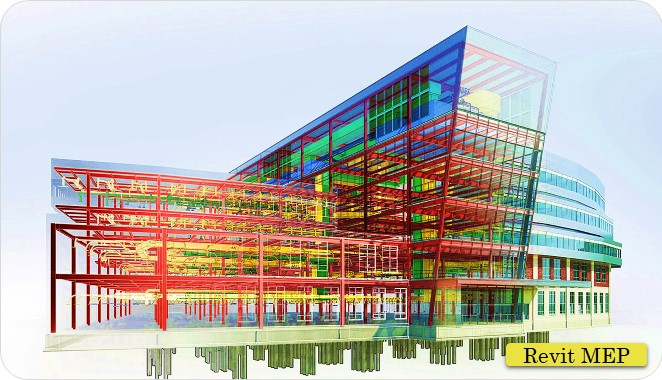
Works on BIM and used for planning & installing HVAC, electrical & Plumbing in buildings.
  • Mechanical/Automobile
ANSYS CFD

ANSYS CFD

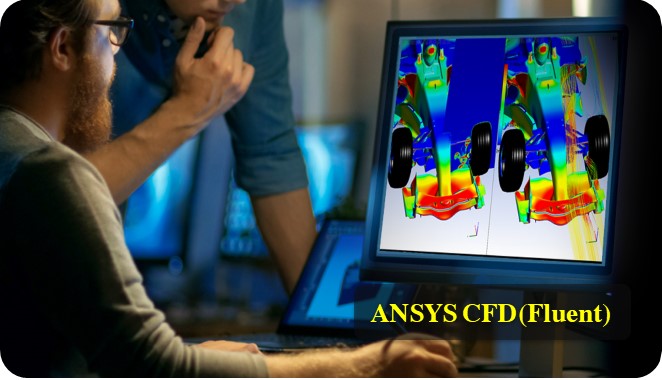
Used to simulate conditions like fluid flow, turbulence, heat transfer, and for the industrial app.

  • Mechanical/Automobile
Enquiry Now
×

Enquiry Now

Fill out the form below and our team will get back to you shortly.